Getting started with music production doesn’t have to cost a fortune. Whether you’re a beginner exploring your first sounds or a seasoned creator experimenting with new workflows, there’s a free Digital Audio Workstation (DAW) for you. In this guide, we’ll compare the best free DAWs available today and help you choose the one that suits your needs.
What Is a DAW?
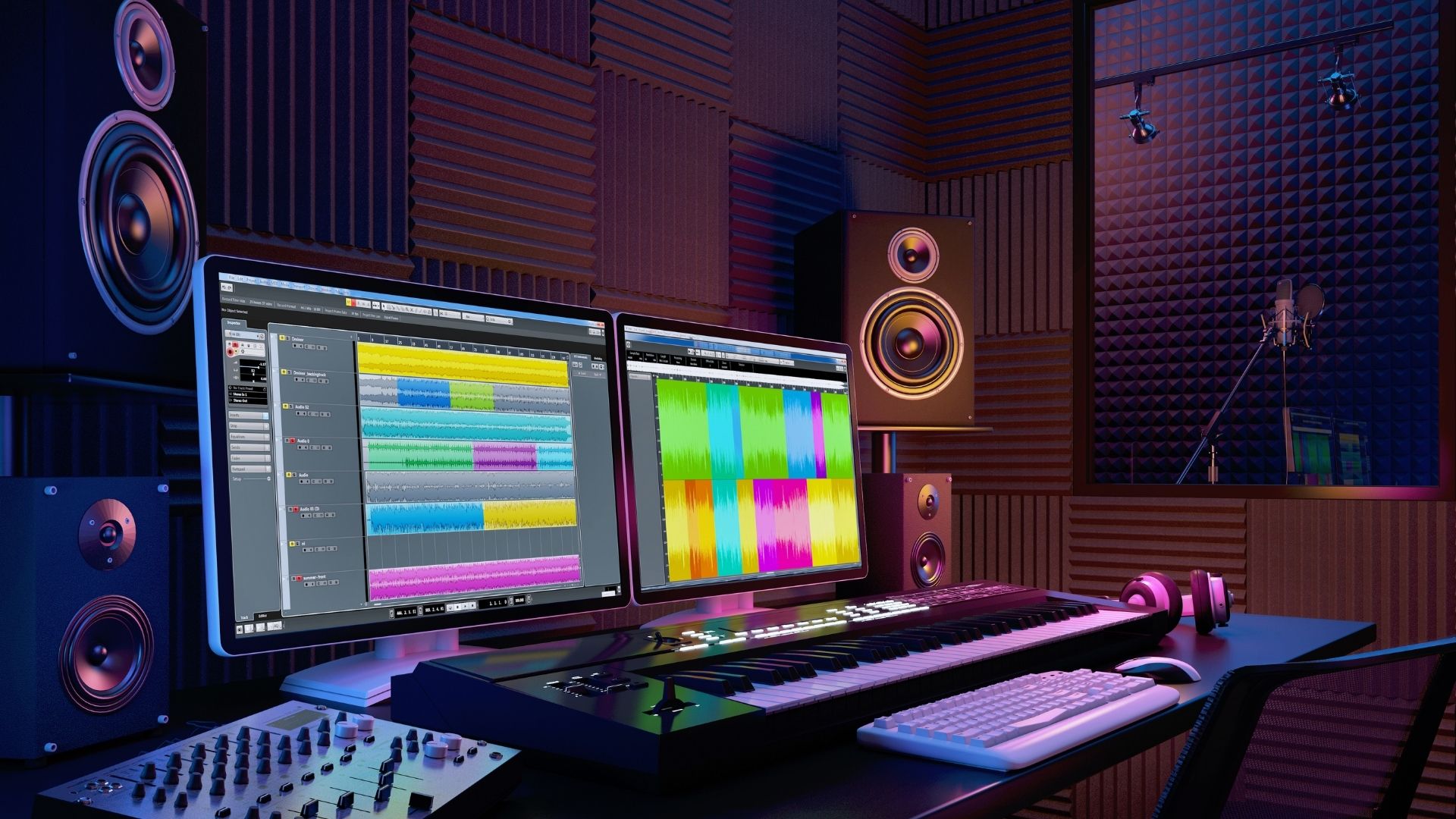
A Digital Audio Workstation (DAW) is the central software where you compose, record, edit, arrange, and mix your music. It’s the core of your production process, and the right DAW can make learning faster and more fun.
Free DAWs may have limitations compared to premium versions, but they are fully capable of professional-sounding results—especially when combined with third-party plugins and virtual instruments.
Why Use a Free DAW?
Starting with a free DAW lets you:
-
Learn music production without financial risk
-
Understand core tools and techniques
-
Experiment with different workflows
-
Decide what features matter most before upgrading
Top Free DAWs Compared
Here are some of the best free DAWs currently available, along with their strengths and ideal users.
1. Cakewalk by BandLab
Best for: Windows users looking for a full professional DAW
Platform: Windows
Why it’s great:
-
Fully featured, modern DAW
-
Unlimited tracks and plugins
-
Professional-grade mixing tools
-
Supports VST3 plugins
Cakewalk by BandLab is often considered the most powerful free DAW available. Originally a premium product, Cakewalk now offers advanced editing, mixing, automation, and routing—everything you need to create complete songs. It’s ideal if you want a serious, long-term production environment without paying.
2. GarageBand
Best for: Mac and iOS users, beginners
Platform: macOS, iOS
Why it’s great:
-
Very intuitive interface
-
High-quality built-in instruments and loops
-
Great for songwriting and beat making
-
Easy to upgrade to Logic Pro later
GarageBand is Apple’s free DAW and one of the most beginner-friendly options. The workflow is approachable, the library of sounds is excellent, and it’s perfect for music creators who are new to DAWs. If you already have a Mac or iPad, it’s an easy first step into production.
3. Tracktion Waveform Free
Best for: Creative producers who like flexible workflows
Platform: Windows, macOS, Linux
Why it’s great:
-
Unlimited audio/MIDI tracks
-
Modern, uncluttered design
-
Good plugin support
-
Creative modulation tools
Waveform Free from Tracktion offers a creative and flexible environment. It may feel unfamiliar at first, but its modular approach lets you shape sounds in unique ways. It’s a strong choice for electronic music producers and anyone who wants more experimental tools.
4. Audacity
Best for: Simple recording, editing, and podcast production
Platform: Windows, macOS, Linux
Why it’s great:
-
Lightweight and easy to use
-
Great for editing audio clips
-
Many free plugins available
-
Very low system requirements
Audacity is one of the most well-known free audio editors/DAWs. While it’s not designed for deep MIDI production or large multitrack mixes, it excels at recording, cutting, and cleaning up audio. It’s also widely used for podcasts and simple music projects.
5. LMMS (Linux MultiMedia Studio)
Best for: Beat makers and electronic producers
Platform: Windows, macOS, Linux
Why it’s great:
-
Pattern-based workflow similar to FL Studio
-
Built-in instruments and synths
-
Ideal for loops and electronic music
-
Supports VST plugins (with bridge)
LMMS is a great choice if you’re focused on composing beats and electronic tracks. The pattern-based workflow lets you build arrangements quickly, and it comes with a solid collection of synths and samples to get started.
6. Ohm Studio (Free Version)
Best for: Online collaboration
Platform: Windows, macOS
Why it’s great:
-
Real-time online collaboration with others
-
Built-in instruments and effects
-
Simple interface
Ohm Studio stands out for its collaborative features. If you like working with other musicians online, this DAW makes it easy to share projects and work together in real time.
How to Choose the Right Free DAW
Here are some tips to help you decide:
-
Are you a total beginner? → Try GarageBand or Audacity
-
Do you want pro features? → Cakewalk by BandLab is the most fully featured
-
Do you make electronic music? → LMMS or Waveform Free
-
Do you want to collaborate online? → Ohm Studio
-
Are you on Linux? → LMMS or Waveform Free
Also consider:
-
Your operating system
-
Your musical goals
-
Whether you plan to expand into paid tools later
Cakewalk by BandLab
- Platform: Windows
- Unlimited Tracks: ✔️
- MIDI Support: ✔️
- Audio Recording: ✔️
- Built-In Instruments: ✔️
- Plugin Support: VST3
GarageBand
- Platform: macOS, iOS
- Unlimited Tracks: ✔️
- MIDI Support: ✔️
- Audio Recording: ✔️
- Built-In Instruments: High quality
- Plugin Support: Limited AU
Tracktion Waveform Free
- Platform: Windows, macOS, Linux
- Unlimited Tracks: ✔️
- MIDI Support: ✔️
- Audio Recording: ✔️
- Built-In Instruments: ✔️
- Plugin Support: VST/AU
Audacity
- Platform: Windows, macOS, Linux
- Unlimited Tracks: ✔️
- MIDI Support: ❌ (limited)
- Audio Recording: ✔️
- Built-In Instruments: ❌
- Plugin Support: Via plugins
LMMS
- Platform: Windows, macOS, Linux
- Unlimited Tracks: ✔️
- MIDI Support: ✔️
- Audio Recording: ❌
- Built-In Instruments: ✔️
- Plugin Support: VST (with bridge)
Ohm Studio (Free)
- Platform: Windows, macOS
- Unlimited Tracks: ✔️
- MIDI Support: ✔️
- Audio Recording: ✔️
- Built-In Instruments: ✔️
- Plugin Support: ✔️
Tips for Getting Started
Once you’ve chosen a DAW:
-
Learn the basics: Watch beginner tutorials for your specific software
-
Explore built-in sounds: Try loops and virtual instruments
-
Experiment with plugins: Add free synths and effects
-
Finish small projects: Practice by completing short tracks
-
Ask for feedback: Share your music with online communities
Free DAWs have come a long way. You don’t need to spend money to start producing music—that’s the beauty of modern tools. Whether you want simple recording, beat making, or full song production, there’s a free DAW out there that fits your workflow.
Pick one, start creating, and most importantly—have fun!