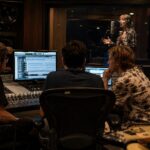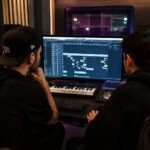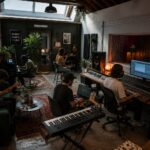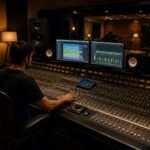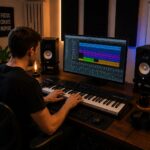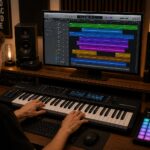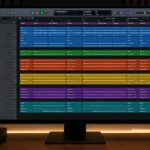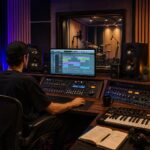
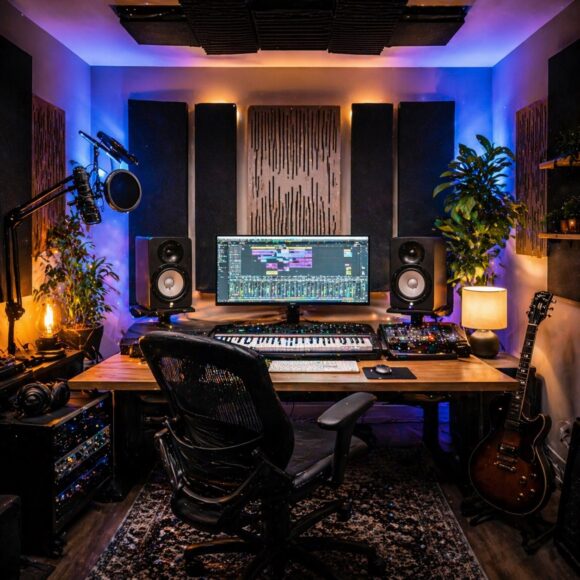
Building a home music studio is one of the best investments you can make as a producer. The good news? You don’t need a huge budget or a professional facility to get started. With the right choices, you can create a setup that allows you to record, produce, and mix music at a high level—all from your own room.
In this guide, we’ll walk through everything you need to build your own home studio step by step.
1. Choose the Right Room
Your room has a huge impact on sound quality.
What to look for:
- A quiet environment (away from traffic and noise)
- Medium-sized room (avoid very small or very large spaces)
- Minimal echo and reflections
Simple improvements:
- Add rugs, curtains, and furniture
- Avoid empty walls and hard surfaces
- Position your desk symmetrically
The goal is a balanced listening environment.
2. Computer – The Core of Your Studio
Your computer is the heart of your setup.
Minimum recommendations:
- 8–16 GB RAM
- SSD storage
- Modern CPU
Both Windows and macOS work well—choose what you’re comfortable with.
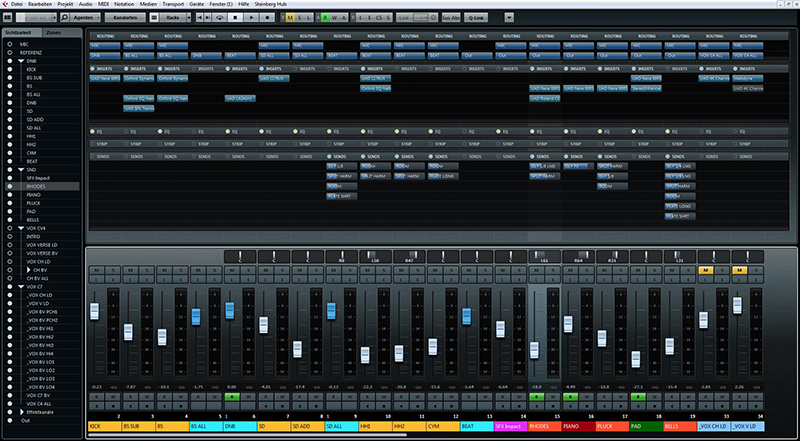
3. Choose a DAW (Digital Audio Workstation)
Your DAW is where everything happens.
Popular options:
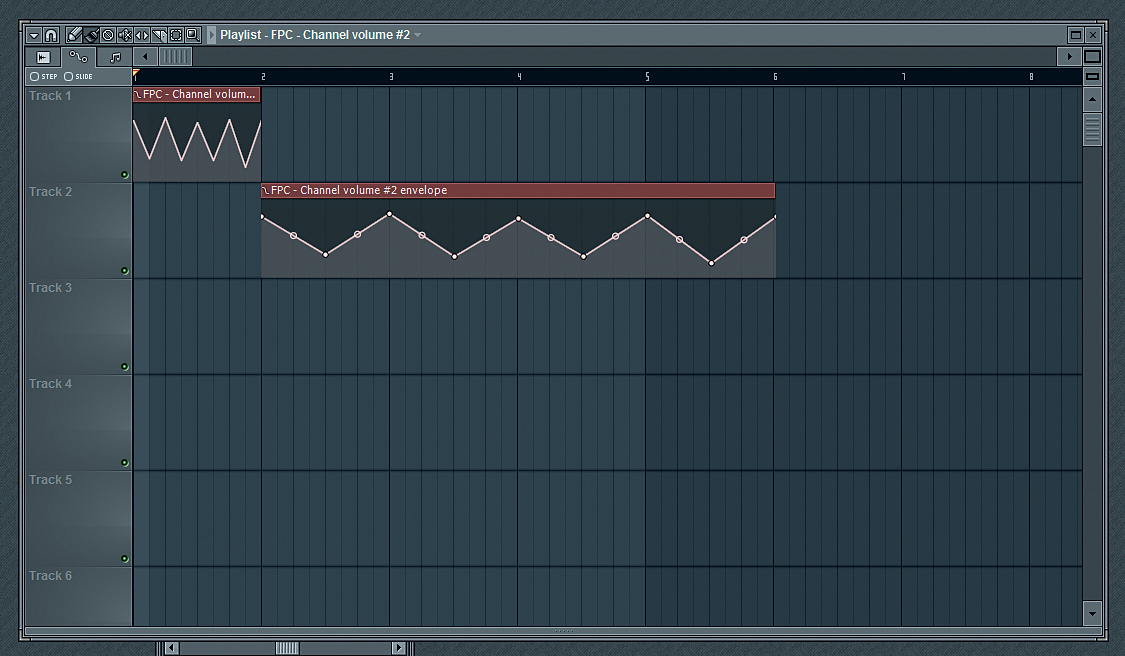
- FL Studio
- Ableton Live
- Logic Pro
Each DAW can produce professional music—workflow matters more than choice.
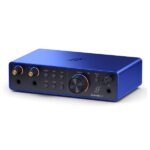
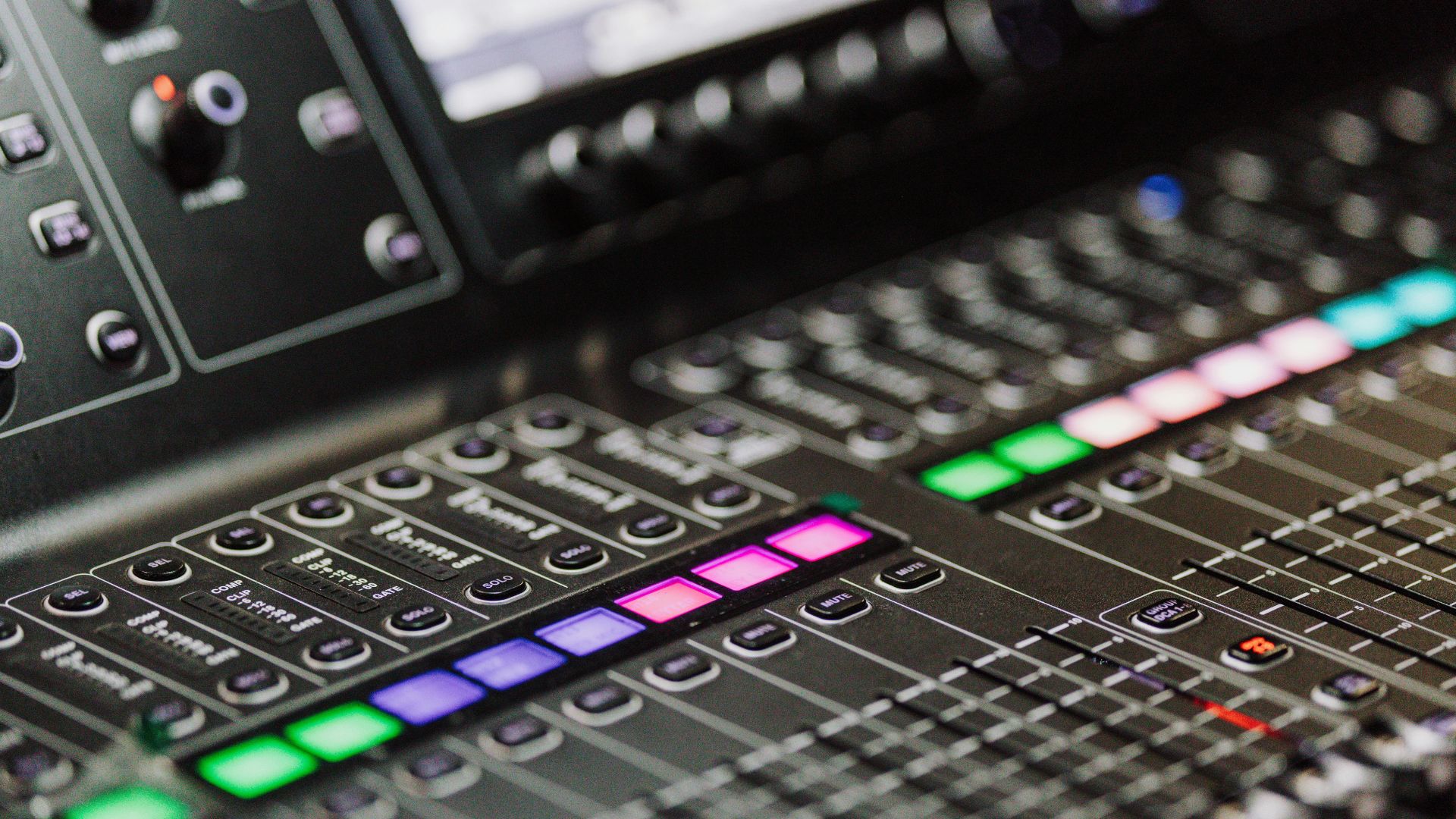
4. Audio Interface
An audio interface improves sound quality and reduces latency.
Recommended beginner options:
- Focusrite Scarlett 2i2
- Audient iD14
Key features:
- Clean preamps
- Low latency
- Phantom power (for microphones)
5. Studio Monitors or Headphones
You need accurate monitoring to mix properly.
Studio monitors:
- Better stereo image
- More natural listening
Headphones:
- Good for untreated rooms
- More affordable
Best approach: use both if possible.
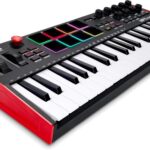
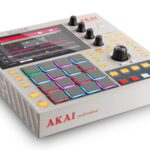
6. MIDI Keyboard (Optional but Recommended)
A MIDI keyboard speeds up your workflow and creativity.
Popular choice:
- Akai MPK Mini MK3
It helps with:
- Playing melodies
- Programming drums
- Controlling plugins
7. Microphone (For Recording)
If you plan to record vocals or instruments:
Types:
- Condenser mic – detailed and sensitive
- Dynamic mic – better for untreated rooms
Also consider:
- Pop filter
- Mic stand
8. Basic Acoustic Treatment
Acoustics matter more than expensive gear.
Start with:
- Foam panels or DIY treatment
- Bass traps (if possible)
- Rugs and curtains
Even simple treatment can significantly improve your mixes.
9. Essential Software & Plugins
You don’t need hundreds of plugins.
Start with:
- Stock DAW plugins
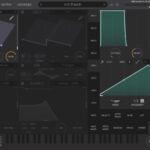
- A good synth (e.g., Vital)
- Basic EQ, compressor, reverb
Focus on learning tools—not collecting them.
10. Organize Your Workspace
A clean setup improves workflow.
Tips:
- Manage cables
- Keep your desk uncluttered
- Use proper monitor placement
- Maintain good posture
Comfort affects productivity more than you think.
Budget Setup Example
💰 Beginner Studio (Low Budget)
- Laptop + DAW
- Audio interface
- Headphones
- Free plugins
💰💰 Mid-Level Setup
- Studio monitors
- MIDI keyboard
- Basic acoustic treatment
💰💰💰 Advanced Setup
- Multiple monitors
- Hardware gear
- Treated room
Common Mistakes
- Buying expensive gear too early
- Ignoring room acoustics
- Using too many plugins
- Not learning your DAW properly
Focus on skills over equipment.
Building a home studio is not about having the most gear—it’s about having the right tools and knowing how to use them. Start simple, learn your setup, and upgrade only when needed.
A great studio grows with you.